Skip to content

POSH Foundations

Building accessible interfaces with semantic HTML

Theme selector

Unit 3: Lists, tables, and relationships

Use lists for items that are:

  • Part of a group (<ul>).
  • Sequential or ordered (<ol>).
  • Defined as a term and description (<dl>).

Structure

Lists are a way to signal structure to assistive technology, not just visual design.

Lists are one of the easiest wins for semantic clarity - use any time content is grouped or sequential.

Part of a group

Unordered List

  • List item.
  • List item.

Nested Unordered List

  • List item.
    • Nested list item.
    • Nested list item.
  • List item.
  • List item.

Use when order does not matter - grocery list, menu.

Sequential or ordered

Ordered List

  1. List item.
  2. List item.

Nested Ordered List

  1. List item.
    1. Nested list item.
    2. Nested list item.
  2. List item.

Use when order matters - steps in a process, checkout procedure.

Terms and descriptions

Definition List

Term
Definition

Profile data

Name
Alex Aardvark
Email
alex@aardvark.com

Use for definitions and key/value pairs - profile data.

Data Tables: Structure is everything

Table

Lunch order
Item Quantity Price
Hamburger 2 $10.00
Fries 1 $2.00
Milkshake 1 $4.00
Total $16.00

Use thead and tbody for structure. Optionally, tfoot.

Use th for headers with scope attributes.

Optionally, use a caption element to help give context.

Assistive Technology and Tables

Some screen readers allow table navigtation shortcuts when tables are coded correctly.

Scope attributes give context to the table cell data being read.

Unit 3: Lists, tables, and relationships

Key takeaways

  1. Use lists and tables to express relationships.
  2. Good structure helps all users.
  3. Is this a group? Is it related data?
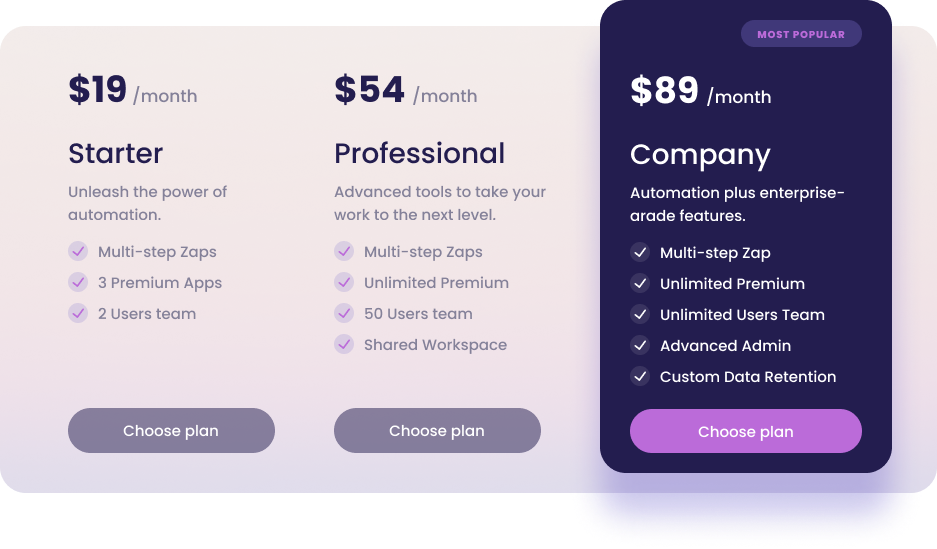
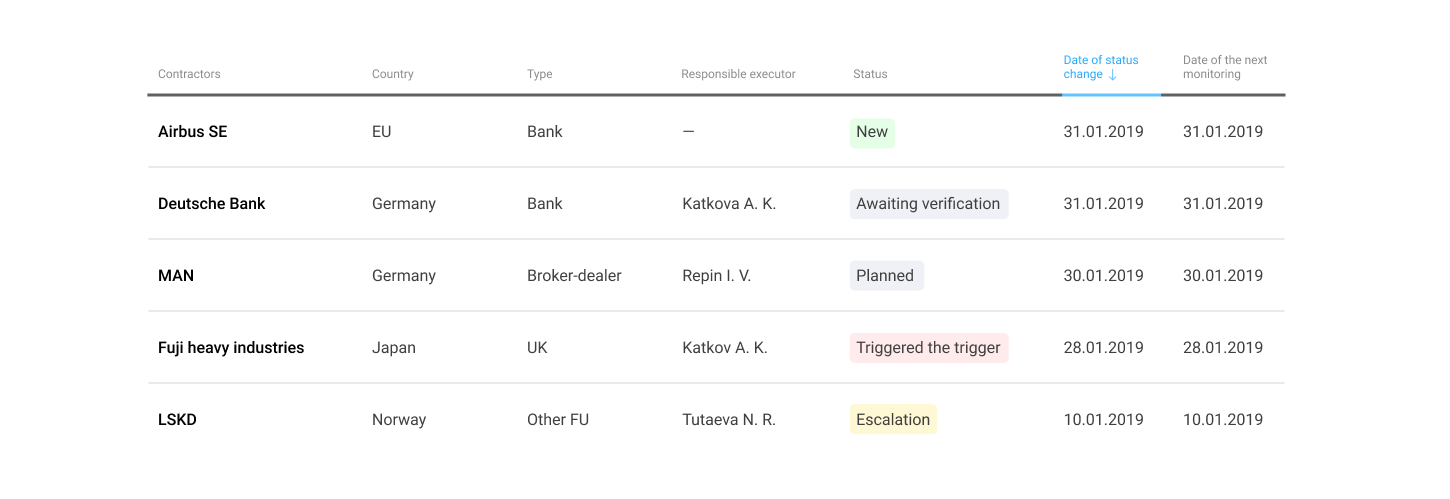
  4. Check your dashboards, content blocks, pricing tables - anywhere relationships appear visually, they should be present in code, too.